Environment deployment
Deploying environments
Environments are deployed using Concourse CI/CD tool. Each environemnt has its own set of credentials and a team in the Concourse.
To create the whole environment follow the steps:
- Log in to Concourse using team credentials.
Concourse address is concourse.[opscontrol_base_domain], for example if the base domain is set to opscontrol.cloudboostr.int the concourse address would be concourse.opscontrol.cloudboostr.int.
Credentials
Teams credentials are available in Vault. To access the data SSH to jumpbox, run cb to start local container and use following commands in that container:
```bash
export ENV_NAME="env1-test"
vault_login
vault_kv_get_secret /uber_pipeline/${ENV_NAME}/concourse_password
```
If you don't know the team names it is possible to get main user credentials:
```bash
export ENV_NAME="main"
vault_login
vault_kv_get_secret /uber_pipeline/${ENV_NAME}/concourse_password
```
-
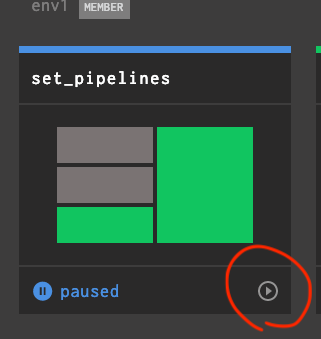
Unpause the "set-pipelines" pipeline using unpause button.
-
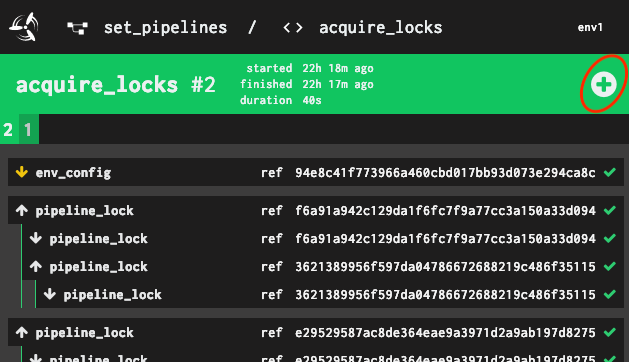
Run the pipeline using
acquire_locksjob and wait for the pipeline to finish.
-
Run
deploy_infrapipeline to install whole Environment infrastructure: networks, security groups, jumpbox, DNS etc. -
After
deploy_infrais done you can deploy Kubernetes usingdeploy_k8spipeline.
Kubernetes credentials
Kubernetes is automatically configured on Environment jumpbox with kubectl preinstalled.